Assistive Listening Technology
Assistive listening technology is available for all of the commencement ceremonies and events taking place in the tent on Healy Lawn. In case of severe weather, this technology will also be available in the alternate severe weather locations. Assistive listening technology provides real-time audio streaming to any mobile device, via an app using an app.
Using the Assistive Listening Technology
Step 1: Download the free app
Guests and event participants who require assistive listening technology must download the free Sennheiser MobileConnect app. We encourage you to download the app in advance.
Step 2: Connect to the dedicated WiFi
Connect your mobile device to the following WiFi network. This is a dedicated network exclusively for users of the Sennheiser MobileConnect assisted listening app.
- Network ID: AL-GU
- Password: WhatRocks!
Step 3: Connect to the channel for your ceremony
Open the Sennheiser MobileConnect app and select the channel that matches the ceremony you are attending.
(Optional) Step 4: Scan the QR code for your location
This step is only necessary if you do not automatically see any channels in the Sennheiser MobileConnect app.
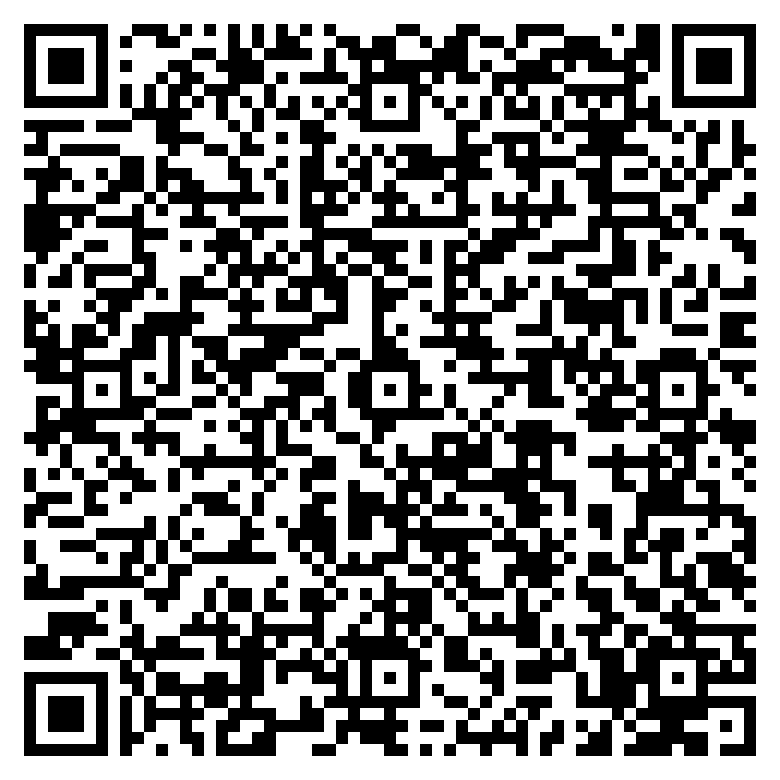
Scan the QR code below to connect you to the assistive listening channel for your location. Each Commencement location – Healy Lawn, Gaston Hall, and ICC Auditorium – has a unique QR code.
iOS devices:
- Press and hold on the applicable QR code below.
Important: We strongly recommend that you use the Safari web browser. This does not work in Chrome. - In the menu that appears, select “Open in MobileConnect”.
- The Sennheiser MobileConnect app will appear with a list of channels to connect to. Select the channel that matches your location.
Android devices:
- Scan the QR code below that matches your current location.
- The Sennheiser MobileConnect app will appear with a list of channels to connect to. Select the channel that matches your location.
Healy Lawn QR Code
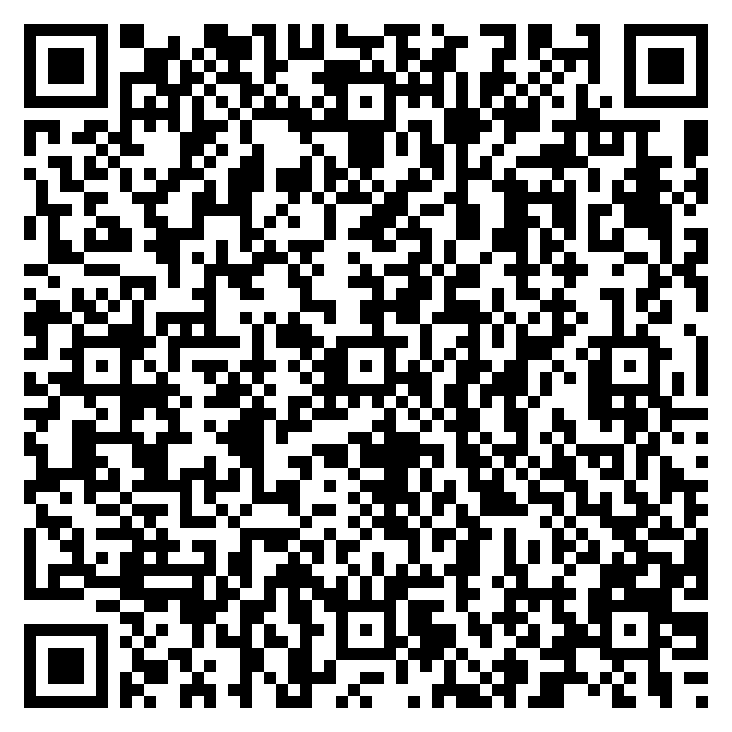
Gaston Hall QR Code
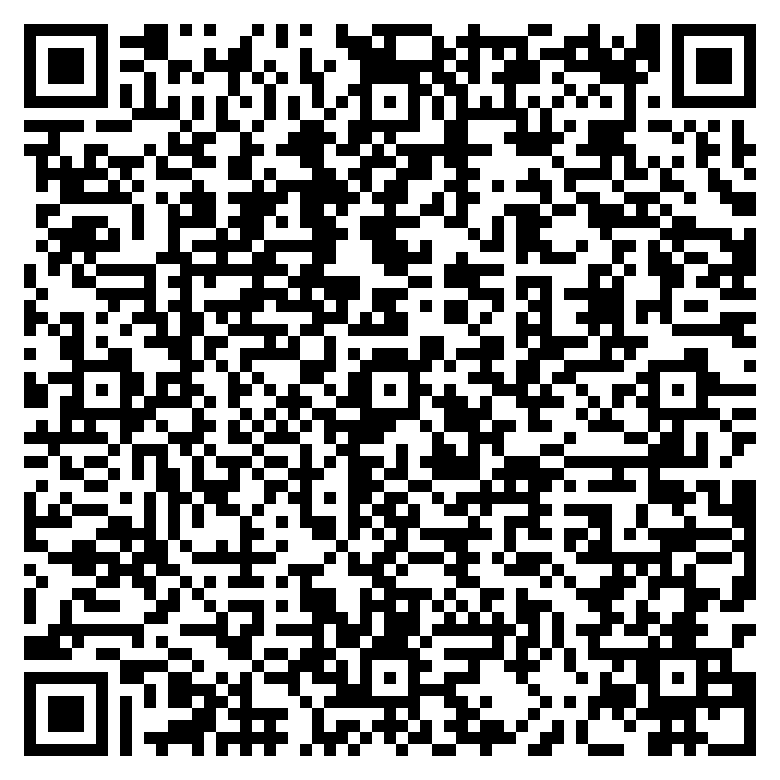
ICC Auditorium QR Code